
Key takeaways ✺
- The free WhatsApp Business app is a real option straight from Meta itself, built for solo operators and small teams. It's not a workaround, and nothing to feel behind for still using.
- The app's real ceiling: one phone plus up to four linked devices, and broadcast lists capped at 256 people who've already saved your number. Hit either wall and it starts costing you enquiries, not money.
- The API has no app screen of its own. It's plumbing: you need a BSP (a Meta-approved provider that sets up API access for you), an agency, or a ready-made product to actually use it, which is the step most people underestimate.
- Meta charges for API conversations once you're outside the free reply window (the stretch of time right after a customer messages you when replies don't cost anything). You're billed for what you actually use, typically a few paise to a few rupees per chat, not free like the app.
- The real decision usually isn't "app or API." It's whether you personally manage the BSP relationship, the template approvals, and the chatbot logic, or pay a flat monthly fee for someone else to run all of that on your number.
Your cousin's got a "WhatsApp bot" running for his salon. Someone in a business WhatsApp group swears you need "the API" before festive season hits. A web developer quoted you ₹15,000 to "integrate WhatsApp" into your shop's number. And you're just sitting here with the ordinary, free WhatsApp Business app on your phone — the one you've used for two years to send broadcast messages to regular customers — wondering if you're missing something, or about to get talked into paying for something you don't need.
That confusion makes sense, because two products share the name "WhatsApp Business" and almost nothing else. One is an app you already have on your phone. The other has no app screen at all. It's a set of rules that lets other software talk to WhatsApp on your behalf. Let's separate the two, then work out which one fits where you are today.
What You're Actually Comparing
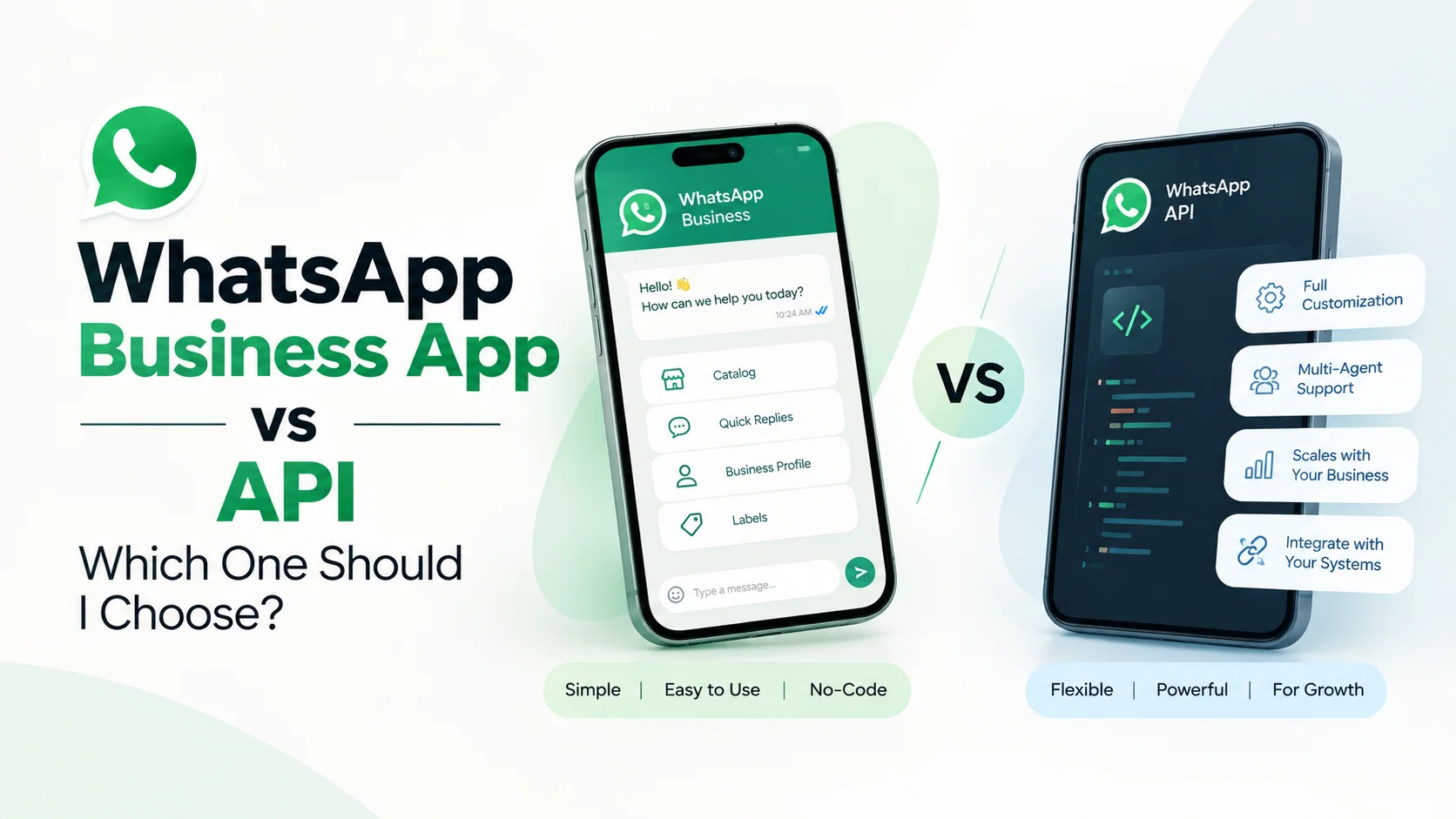
The WhatsApp Business app is free, downloadable, and tied to one phone number. A person (you, or a staff member) opens it and types replies. It has a business profile, a catalogue, quick replies, labels, and two very basic automated messages (a greeting and an away message). It behaves exactly like the regular WhatsApp app, just with small-business features bolted on.
The WhatsApp Business API (officially the WhatsApp Business Platform) isn't an app you download at all. It's a set of tools that let other software send and receive WhatsApp messages automatically, using code. There's no green icon, no chat screen of its own. You only ever see it through whatever connects to it: a chatbot, a CRM (the software a business uses to track customer conversations and leads), a BSP's (Business Solution Provider's) dashboard, or a managed product like a WhatsApp AI agent.
That single fact clears up most of the confusion people carry into this decision: you can't "just download the API." It's plumbing. Someone (you, or whoever you're paying) has to build or buy the tap that sits on top of it.
The Free App Is Genuinely Fine If This Is You
Here's the sentence most WhatsApp automation posts won't say out loud: if your setup looks like this, the free app is the right call, not a compromise.
- One or two people check the number through the day and can realistically reply within a couple of hours during work time.
- Your message list is mostly repeat customers who've already saved your number, not cold leads or ad clicks.
- You're comfortable typing replies by hand and using quick-reply templates for the common questions.
- Your daily volume doesn't feel like a second job yet.
If that's you, paying for the API right now would mean a monthly bill for a BSP relationship, template approvals, and a chatbot build, to solve a problem you don't actually have. Chalta hai isn't always the wrong answer. Sometimes it genuinely is fine as-is. Keep the free app until it tells you it isn't enough. It will.
Where the Free App Actually Hits a Wall
These aren't "best practice" tips. They're real, checkable limits:
- One primary phone plus up to four linked devices. That's the absolute cap on how many people can access the number at once. Add a fifth login and someone else gets logged out.
- Broadcast lists cap at 256 contacts each, and only reach people who already have your number saved. It was never built for outreach to fresh leads, only to people who've saved you first.
- No automation beyond one greeting message and one away message. No branching questions, no "book a slot," no handing a conversation to a human with context attached.
- No scheduling, no shared team inbox with chat assignment, no real reporting beyond basic message counts.
These limits are invisible until a specific moment hits: a festive-season promotion brings in more enquiries than two people can type through by hand. A clinic adds a fourth front-desk staff member who also needs to reply to patients. A real estate broker runs a Meta ad that drives clicks straight into WhatsApp, at volume, with people who've never saved the number. A salon gets asked "are you open tomorrow" at 11pm, and nobody sees it until the next morning, by which point the customer's already booked elsewhere (that exact after-hours gap is worth reading on its own if it's your problem).
If any of that sounds like this month rather than someday, you've already answered the question. You need something the free app structurally cannot do, not just something to configure better.
What the API Actually Adds — And What It Doesn't
The API lets software reply instantly, 24×7, at whatever volume your business generates. It isn't limited by how many humans are physically typing. It can message people who haven't saved your number, as long as they've opted in (through an ad, a form, a QR code). It plugs into catalogues and payment links properly, gives you an actual shared inbox instead of four people staring at one phone, and produces real reporting.
What it does not add on its own: an actual chatbot. The API is the road, not the car. You (or whoever you hire) still has to build the conversation logic, get message templates approved by Meta (pre-written messages it checks and signs off on before you can use them), and keep an eye on the number's quality rating (a score Meta keeps on your account) so it doesn't get flagged. Skip the official route entirely and reach for a bulk-sending tool instead, and you're in a different, riskier category we've written about separately. It's worth reading if a "cheap WhatsApp automation" tool has ever been pitched to you as a shortcut.
The Cost Nobody Mentions Until You're Already In
"Official" does not mean "free." Getting onto the API involves layers most people don't budget for upfront:
- A verified Meta Business Manager account and a WhatsApp Business API-enabled number, usually through a BSP. Meta doesn't hand out direct API access to a five-person shop walking in off the street.
- Meta's own per-conversation charge, based on actual usage, once you're outside the free reply window (the stretch of time right after a customer messages you when replies don't cost anything): typically a few paise to a few rupees per chat depending on the type of conversation, not a flat monthly number you can predict to the rupee.
- A separate platform fee from whichever BSP you go through, on top of Meta's charge. That's two invoices before you've automated a single reply.
- Message templates need Meta's approval before you can message someone outside that same window, which takes review time and can get rejected and resubmitted.
One more thing that surprises people: once a number moves onto the API, it comes off the regular consumer app on that same number. You don't run both side by side. Plan for that before you migrate, not after.
If you want the fuller breakdown of what all this adds up to across a month (Meta's charges, plus a BSP's fee, plus what building the actual bot costs), we've laid out real numbers in a separate post on WhatsApp chatbot pricing in India.
The Decision, as a Table
| Your situation | Free app | API |
|---|---|---|
| 1–2 people reply, mostly in work hours | Fine as-is | Overkill |
| Need replies after closing time or at night | Struggles | What you actually need |
| More than ~4–5 people need to access the number | Blocked, hits the device cap | Needed |
| Messaging leads who haven't saved your number | Not possible | Needed |
| Sending 256+ broadcasts to saved customers, regularly | Multiple manual lists, clunky | Cleaner |
| Want a bot that checks availability or takes bookings | Not possible | Needed |
| Running paid ads that click straight into WhatsApp, at volume | Can't keep up by hand | Needed |
| Budget is genuinely tight right now | Use the app | Wait, and revisit in a quarter |
If You Choose the API, Here's the Stack You're Actually Signing Up For
Going the DIY route means becoming the account manager for all of this yourself: a verified Meta Business Manager, a BSP relationship you're now billed by separately, template submissions and rejections, an actual chatbot built and maintained (by you or a developer you're paying separately), and ongoing monitoring of your number's quality rating so nothing gets restricted.
This is the exact stack a managed WhatsApp AI agent replaces. The number stays yours, but the official API access, the BSP relationship, the trained conversation logic, and the monthly retraining are already built in, for a flat ₹2,000 a month, live within about seven days, cancel anytime. You're not choosing between "app" and "becoming a WhatsApp vendor manager." There's a third, much less painful option in the middle, and it's worth a fifteen-minute look before you commit to doing the BSP relationship yourself. If you run a clinic, a restaurant, a real estate desk, or book appointments for a salon, there's a decent chance we've already written the version of this for your exact setup.
Honestly, You Might Not Need Either Yet
If you're pre-revenue (not making sales yet), still figuring out whether customers even prefer WhatsApp over calling you, or handling well under twenty conversations a day, don't spend money solving a scale problem you don't have. The free app, used well, with decent quick replies and an honest away message, will carry you further than most people assume. Automation is a fix for volume you're already struggling with, not a headstart you buy in advance.
So: are you drowning in messages you can't keep up with by hand, or are you still finding out if WhatsApp is even where your customers want to talk to you?
Questions people also ask
Can I use the WhatsApp Business app and the API on the same number?
Not at the same time. Once a number is registered on the WhatsApp Business API, it comes off the regular consumer app on that number. You don't run both side by side. If you want to keep using the free app for personal or backup chats, that has to live on a different number.
Is a "WhatsApp robot" the same as the WhatsApp Business API?
Not quite. "WhatsApp robot" is just the everyday phrase people use for any automated WhatsApp reply system, official or not. The API is the specific, Meta-run system that a proper bot is built on top of. Plenty of the "WhatsApp robots" people warn each other about are actually unofficial tools sitting outside the API entirely, which is a much riskier setup. See our post on why WhatsApp accounts get banned for what that risk looks like in practice.
Does the WhatsApp Business API really cost nothing, since it's "official"?
No. "Official" doesn't mean free. Meta charges per conversation once you're past the free reply window (the same free window mentioned above), based on actual usage, typically a few paise to a few rupees per chat, and almost every BSP adds its own platform fee on top of that. Budget for it as a real, ongoing cost, not a one-time setup charge.
Can I automate replies on the free WhatsApp Business app without paying for the API?
Only in a very limited way, one greeting message and one away message, both fixed text, with no branching logic and no handoff to a person. Anything closer to a real chatbot on the free app usually means an unofficial third-party tool riding on top of your account, which is exactly the setup that gets numbers restricted or banned.
How long does switching from the app to the API actually take?
For a straightforward small-business setup (one number, a standard use case), getting live on the API through an existing product or agency relationship usually takes about a week once your business details are verified. Building it fully yourself from scratch, choosing a BSP and getting templates approved, commonly takes longer, because template review and business verification aren't fully in your control.